Teen Patti Master Fake vs Real APK – How to Identify Original & Unsafe Apps
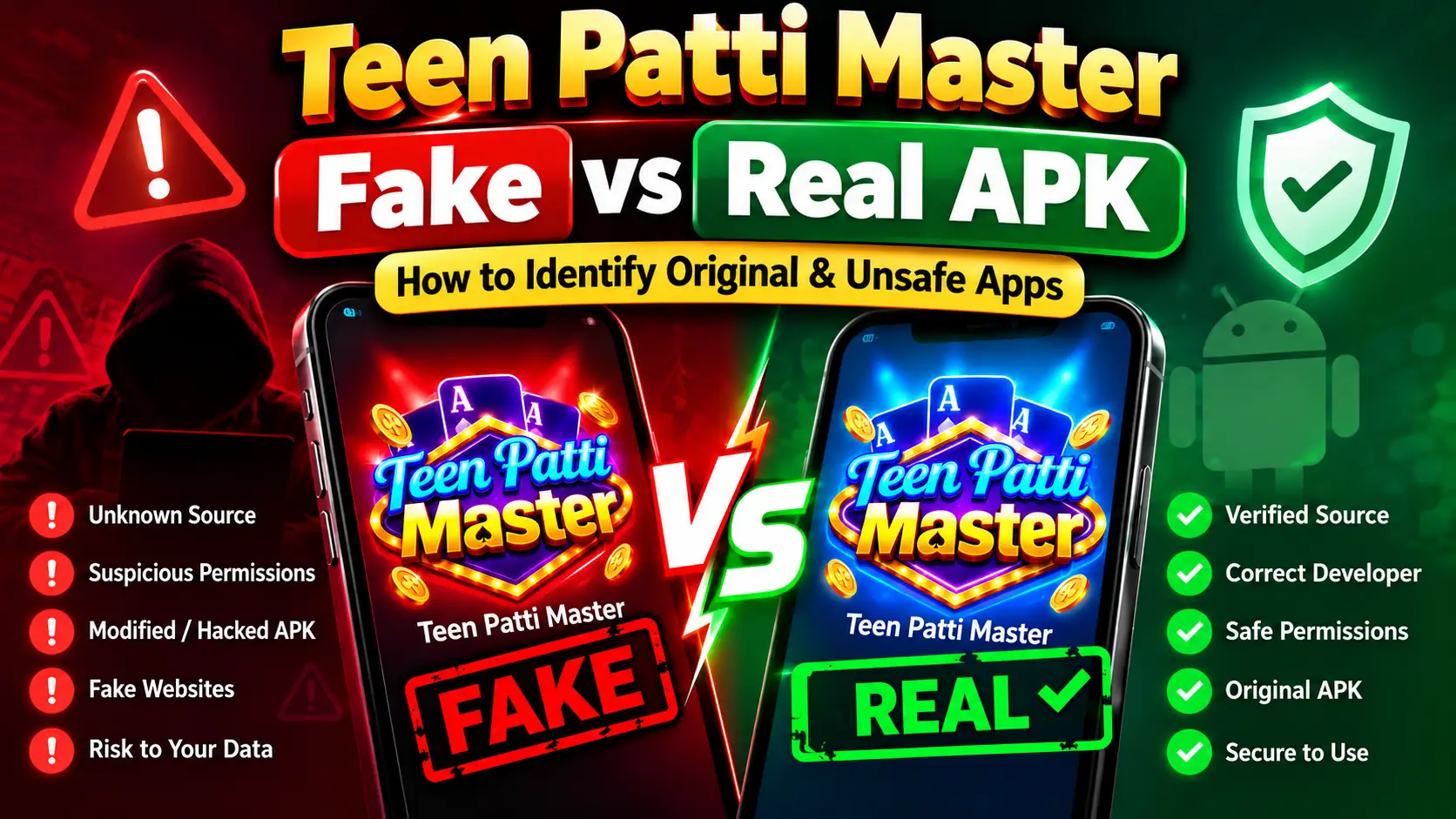
Are you searching for the difference between a Teen Patti Master fake APK and a real APK? Many Android users come across download pages, social media advertisements, and application files that use similar names and logos. However, an APK file having a familiar name or attractive icon does not automatically make it genuine or safe.
Fake application packages, misleading download websites, and modified APK files can create security risks. Some may request unnecessary permissions, collect personal information, or redirect users to suspicious services.
In this Teen Patti Master Fake vs Real APK guide for 2026, we explain how to verify an application source, identify warning signs, understand Android security checks, and protect your personal information.
Important: This article is an independent educational guide. Teenpattinew.in does not claim that any particular APK file has been independently tested or officially verified. Readers should confirm publisher identity through trustworthy sources before installing software.
What Is Teen Patti Master APK?
Teen Patti Master is a name associated with Android card-game applications. An APK, or Android Package Kit, is an application installation package used on Android devices.
Android applications may be installed through supported app stores or distributed as APK files by their developers. However, downloading an APK from an unfamiliar website requires additional caution.
Different websites may display similar application names, logos, version numbers, or screenshots. These details alone cannot establish that the application was created by the expected developer.
Teen Patti Master Fake vs Real APK: Main Differences
The following table explains common signs of a verifiable application package compared with a suspicious or unverified APK.
| Feature | Verifiable APK | Suspicious APK |
|---|---|---|
| Developer identity | Publisher can be checked using trustworthy records | Developer information is missing or inconsistent |
| Download source | Source can be independently authenticated | Unknown links, mirrors, or unsolicited messages |
| App permissions | Permissions have understandable purposes | Unnecessary sensitive access is requested |
| Application signature | Signing identity can be compared with a trusted reference | Signature does not match the expected developer |
| Version information | Version details agree with verified developer records | Unexpected version names or unverifiable claims |
| Security warnings | No unresolved security concerns after checks | Malware warnings or suspicious behavior |
| Support information | Contact channels can be independently verified | Fake customer care numbers or requests for OTPs |
Even an APK that passes basic checks is not guaranteed to be safe. Authenticity and security require more than a visual comparison.
1. Verify the Download Website
The first step in identifying a potentially fake Teen Patti Master APK is checking its source.
Search results may contain advertisements, third-party download pages, and websites claiming to be official. A website’s ranking in search results does not prove that it belongs to the application developer.
What should you check?
- Examine the complete website domain name.
- Check whether the publisher can be independently identified.
- Look for consistent contact and company information.
- Be cautious of unfamiliar shortened download links.
- Avoid installation files received through unsolicited messages.
- Do not trust a website merely because it uses HTTPS.
HTTPS protects data in transit but does not prove that a website or its downloadable files are legitimate.
2. Check the Application Name and Publisher
Fake applications may imitate the names and logos of well-known apps. Some developers may also use similar branding without being connected to one another.
Before installing any APK, compare the application name and publisher information with reliable developer documentation.
If the publisher cannot be identified or the claimed ownership is inconsistent, avoid installing the package until the source has been verified.
3. Understand APK Digital Signatures
Android APK files use digital signatures. These signatures help Android establish the signing identity of an application and determine whether updates are compatible with an installed package.
For technically experienced users, comparing an APK’s signing certificate fingerprint with a trusted developer-published fingerprint can provide useful evidence.
However, a digital signature alone does not prove that an application is safe. A malicious developer can also sign an APK. The signature must be compared against a trustworthy reference.
4. Check Android App Permissions
Application permissions control access to certain phone features and information.
Depending on its functionality, a card-game application may need internet connectivity and selected device capabilities. But requests for sensitive access should always have a clear explanation.
Permissions that deserve additional attention
- SMS access.
- Contacts access.
- Accessibility service access.
- Notification reading access.
- Device administrator privileges.
- Broad access to personal files.
- Screen recording or remote-control permissions.
These permissions are not automatically malicious in every application, but unexpected requests are a reason to investigate before continuing.
5. Use Google Play Protect
Google Play Protect is an Android security feature that checks applications for potentially harmful behavior. It can scan apps installed through Google Play and other sources.
How to check Play Protect
- Open Google Play Store.
- Tap your profile icon.
- Select Play Protect.
- Run a scan if the option is available.
- Review any warnings or recommended actions.
If Google Play Protect identifies an application as potentially harmful, do not disable security protections simply to complete the installation.
Remember that a clean scan cannot guarantee that an APK is completely safe.
For additional information, read the official Google Play Protect guide.
6. Beware of Modified or Hacked APK Files
Some websites promote modified APK files using claims such as unlimited rewards, unlocked features, special hacks, or guaranteed results.
Such claims should be treated with caution. Modified applications may contain unauthorized changes, malware, tracking components, or credential-stealing functionality.
Users should avoid downloading APK files advertised as hacked, cracked, or modified versions of another developer’s application.
Never assume that a modified APK is safe simply because an online video or review recommends it.
7. Identify Fake Customer Support
Fraudulent support profiles may imitate application brands and ask users to share sensitive information.
Common warning signs
- Requests for account passwords or OTPs.
- Requests for UPI PINs or card security codes.
- Instructions to transfer money to a personal account.
- Requests to install remote-access applications.
- Pressure to act immediately.
- Promises of guaranteed financial returns.
A request for a UPI PIN to receive money is a major fraud warning sign. Never share passwords, banking credentials, or verification codes with an unverified person.
8. Check APK Version and File Details
Before installing an application, examine its version information, package details, and file source.
A legitimate developer may publish a version number, release date, package identifier, or file checksum. These details can help with verification when the reference comes from a trustworthy source.
File size is not sufficient evidence of authenticity. Two different APK files can have similar sizes, and a genuine application may change size after an update.
For stronger technical verification, compare the file’s cryptographic hash with a hash independently obtained from the verified developer.
9. What If You Already Installed a Suspicious APK?
If you suspect an installed application is unsafe, avoid entering additional personal or financial information.
- Stop using the suspicious application.
- Run Google Play Protect.
- Review sensitive permissions granted to the app.
- Remove the application if it is flagged as harmful or cannot be trusted.
- Update Android and other important software.
- Change potentially compromised passwords from a trusted device.
- Contact your bank immediately if financial information may have been exposed.
For serious security concerns, seek assistance from a qualified device technician or security professional.
10. Can an APK Be Safe Without Being on Google Play?
Some legitimate Android developers distribute applications outside Google Play. However, external distribution does not remove the need for source verification and security checks.
Likewise, an application appearing in a store should not be considered completely risk-free.
Users should evaluate the developer, permissions, security warnings, privacy practices, and applicable local rules before installing or using an application.
How to Check a Teen Patti Master APK Safely
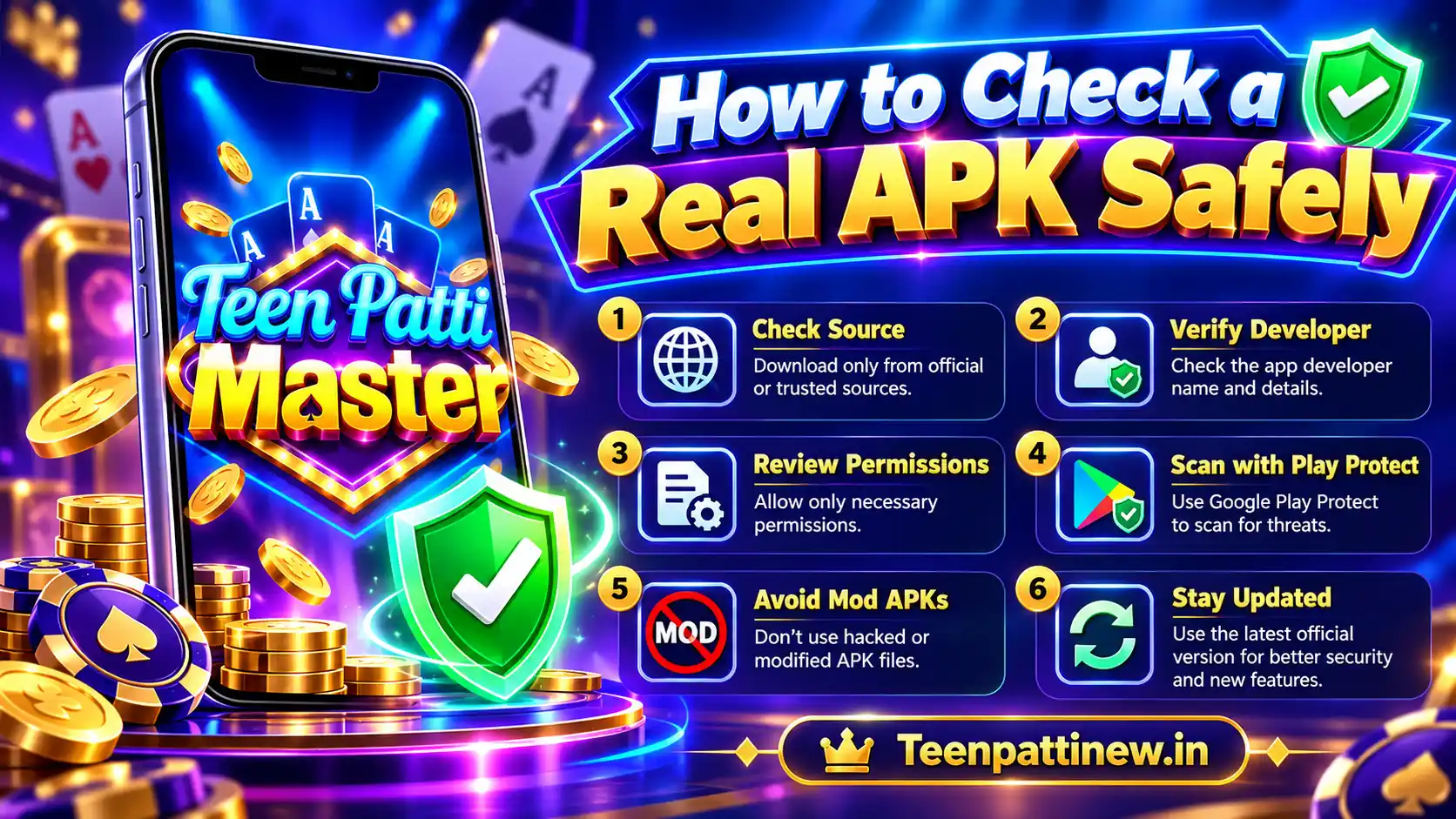
Before installing an APK, verify its download source, developer identity, requested permissions and security warnings. Avoid modified APK files and check for trusted updates.
Teen Patti Master Fake APK: Common Warning Signs
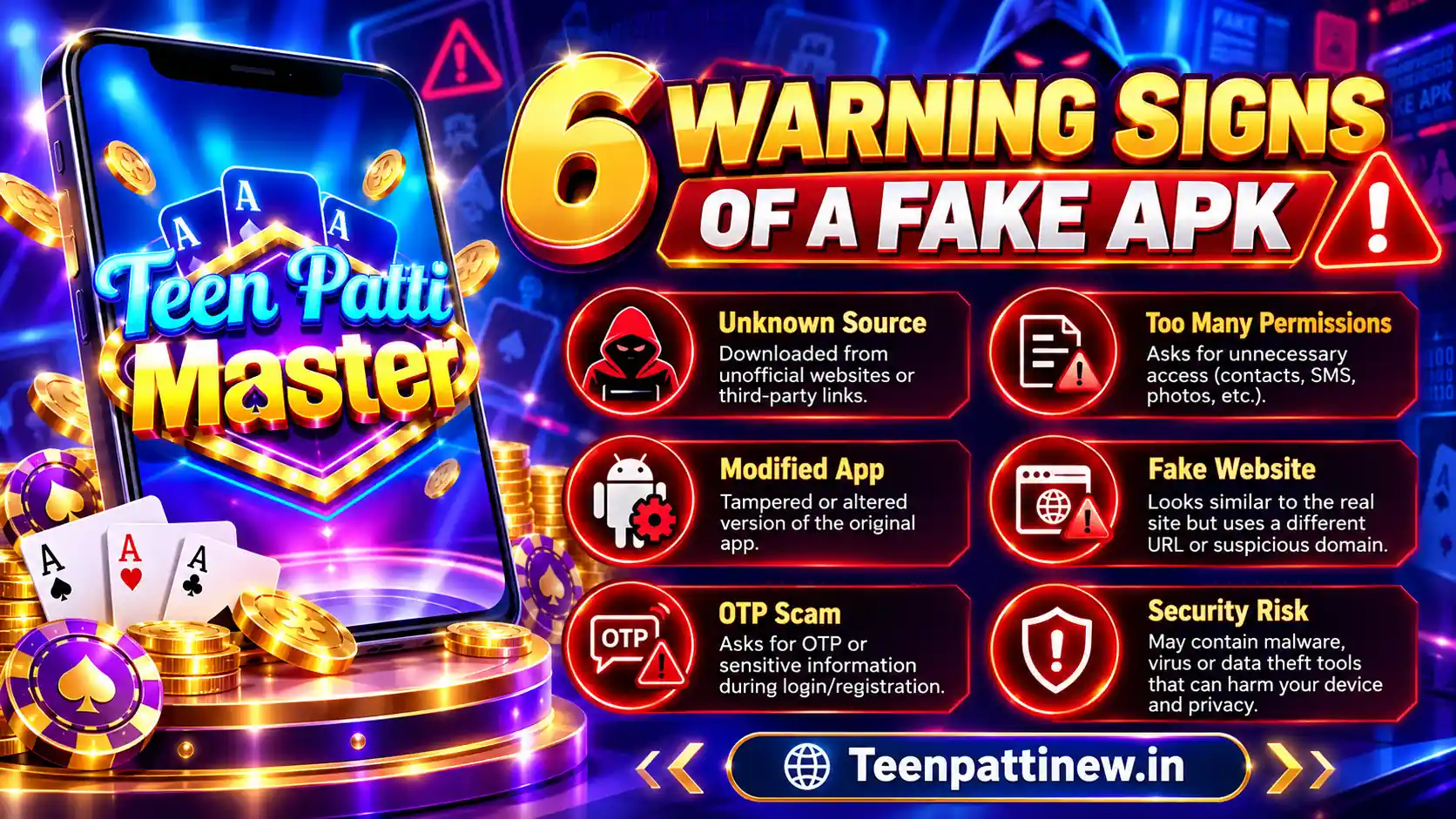
- The download link was received from an unknown Telegram or WhatsApp account.
- The website copies another brand’s logo without verifiable ownership information.
- The APK requests unexpected accessibility or SMS permissions.
- The developer’s name differs from a trusted reference.
- The file is advertised as a hack or unlimited-money edition.
- A support contact requests an OTP or banking PIN.
- A website promises guaranteed earnings.
- A security scan reports potentially harmful behavior.
One warning sign may not conclusively establish fraud, but multiple warning signs strongly justify stopping and investigating.
Frequently Asked Questions
Is Teen Patti Master real or fake?
The name alone cannot establish whether a specific application or APK is genuine. Verify the exact developer, distribution source, signing identity, and relevant security information.
How can I identify a fake Teen Patti Master APK?
Check its download source, publisher information, app permissions, signing certificate when a trusted reference exists, and any Android security warnings.
Is Teen Patti Master APK safe to install?
Safety depends on the particular APK file, its developer, source, and behavior. No application should be declared safe without sufficient evidence.
Can a fake APK steal information?
Yes. Malicious Android applications may attempt to collect sensitive information, misuse permissions, or direct users toward fraudulent services.
Does Google Play Protect detect fake APK files?
Google Play Protect can detect many potentially harmful applications, including apps from outside Google Play, but no security system detects every possible threat.
Should I install a Teen Patti Master mod APK?
Modified or unofficial APK files may introduce security risks. Avoid installing versions that cannot be authenticated.
Does the app logo prove that an APK is original?
No. Logos and application names can be copied. Verify the developer and application package using more reliable information.
Is real-money gaming allowed everywhere?
No. Laws and eligibility requirements vary by location. Users should check current applicable regulations and avoid prohibited activities. Real-money gaming may involve financial losses and should never be treated as a guaranteed income source.
Final Verdict: How to Stay Safe
Understanding the difference between a Teen Patti Master fake APK and a verifiable application package can help Android users make better security decisions.
Focus on the developer’s identity, trustworthy distribution records, app permissions, signing information, and security warnings. Never rely solely on logos, download counts, advertisements, or claims of guaranteed earnings.
If you cannot verify the source of an APK, the safer decision is not to install it.
Disclaimer: Teenpattinew.in is an independent informational website. This article does not distribute APK files, endorse financial gaming services, guarantee application safety, or represent any application developer. Any third-party brands belong to their respective owners. Real-money gaming may be restricted or prohibited depending on location. Readers should follow applicable laws and responsible gaming practices.
